Showing posts sorted by relevance for query cyanogenmod 12. Sort by date Show all posts

7 Best Free CyanogenMod 13 (CM13) ROM Themes for Your Android Device

Now i will share again about the best free theme pack you can get on Android market (on my opinion) for your Android device running CyanogenMod ROM you. But now, it is CyanogenMod 13 / CM13 theme. Also to all Samsung Galaxy V Android smartphone user, hold tight your panties and stay up to date because CyanogenMod 14.1 / CM14 (Android 7 Nougat) is on developing progress by the developer at XDA now :D .

Here it is in randomly order, the 7 Best Free CyanogenMod 13 / CM13 Theme Pack for your Android device, version Indo PhoneBoy.

  1. HoloCon by "Mayur Agarkar"


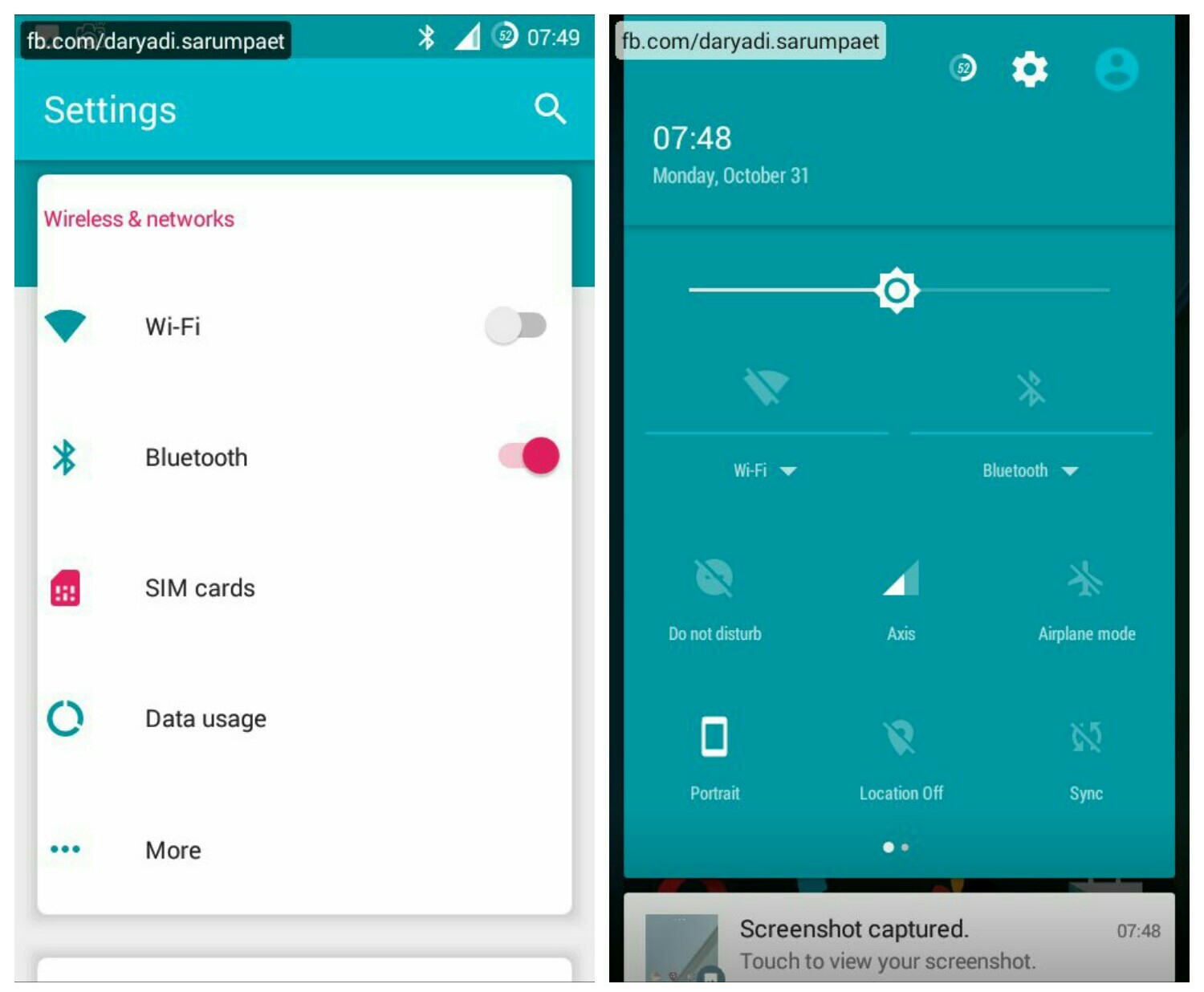
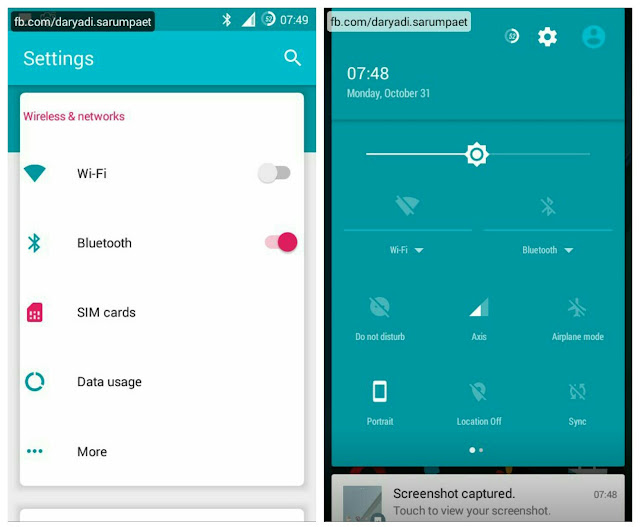
    First there is a nice theme pack for your Android device running CM13 ROM called HoloCon. The setting menu style is designed trully different from another CM13 pack. It using some nice pastel color with Android Nougat sweetness. This theme pack is also compatible with CyanogenMod 12.x / CM12 ROM.

    holocon cyanogenmod 13 cm13 theme homescreen

    holocon cyanogenmod 13 cm13 theme user interface

    HoloCon theme for CM13 customize included:

    - Status bar
    - Font
    - Icons
    - Wallpaper / Lockscreen wallpaper
    - Controls
    - Sounds
    - Boot animation

    -> Download HoloCon CyanogenMod 13 theme.apk (32.7 MB)
  2. My Style by "RTosta"


    My Style is another cool CyanogenMod 13 theme worth to try on your Android device. It make combination of dark, light, and orange accent color and it look clean. What I most like from this theme pack is the status bar icons, it unique compared to others. Especially the battery icon, it's very cool. This theme is also compatible with CyanogenMod 12 / CM12 ROM.

    my style cyanogenmod 13 cm13 homescreen

    my style cyanogenmod 13 cm13 theme user interface

    My Style theme for CM13 customize included:

    - Status bar
    - Font
    - Icons
    - Wallpaper
    - Controls
    - Boot animation

    -> Download My Style CyanogenMod 13 theme.apk (11.4 MB)
  3. GalaxyUI by "ELS Design"


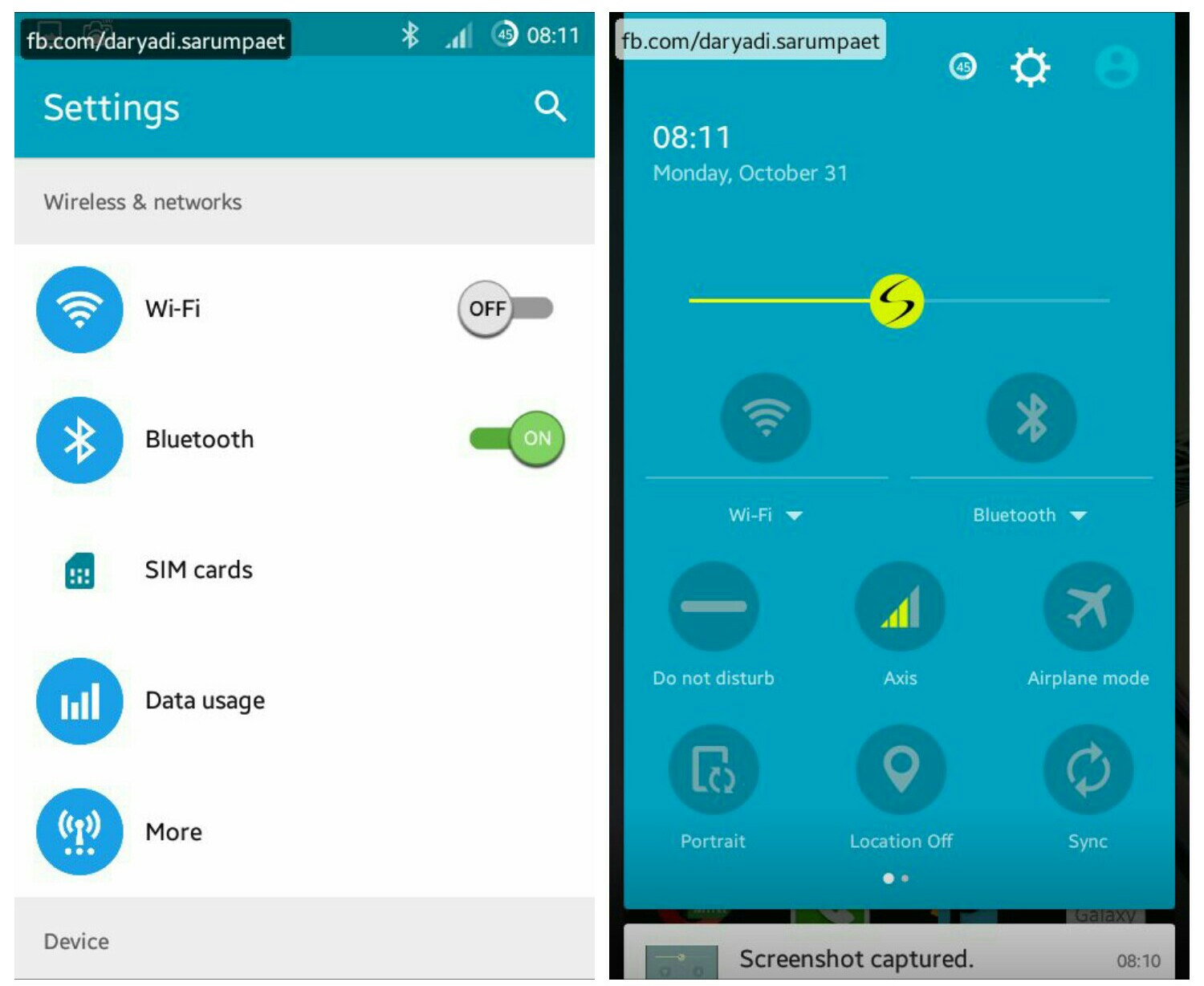
    Now after I kill the Touchwiz from my Samsung Galaxy V Android smartphone why it just make me miss it. And this theme pack can help to ease your missing from the 'Sammy' original User Interface with it's Galaxy styles and icons. It combines from many Galaxy phones style into a one good theme pack for CyanogenMod 13 / CM13 ROM. This theme is also compatible with CM12 ROM.

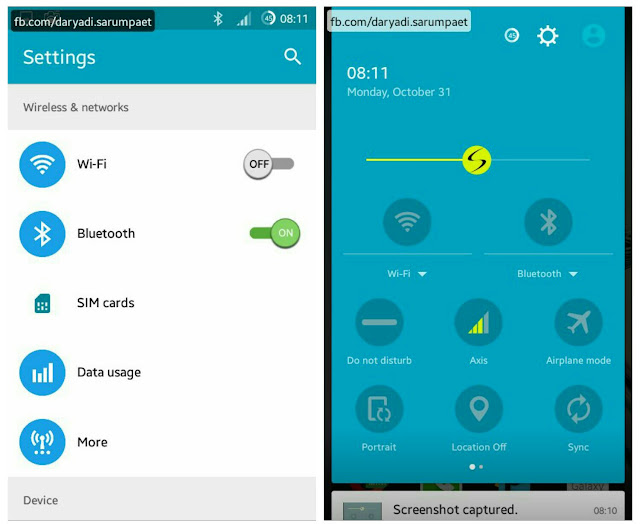
    galaxyui cyanogenmod 13 cm13 theme homescreen

    galaxyui cyanogenmod 13 cm13 theme user interface

    GalaxyUI theme for CM13 customize included:

    - Status bar
    - Font
    - Icons
    - Wallpaper / Lockscreen wallpaper
    - Controls
    - Sounds
    - Boot animation

    -> Download GalaxyUI CyanogenMod 13 theme.apk (20.7 MB)
  4. Back to Earth by "Craig Dowdall"


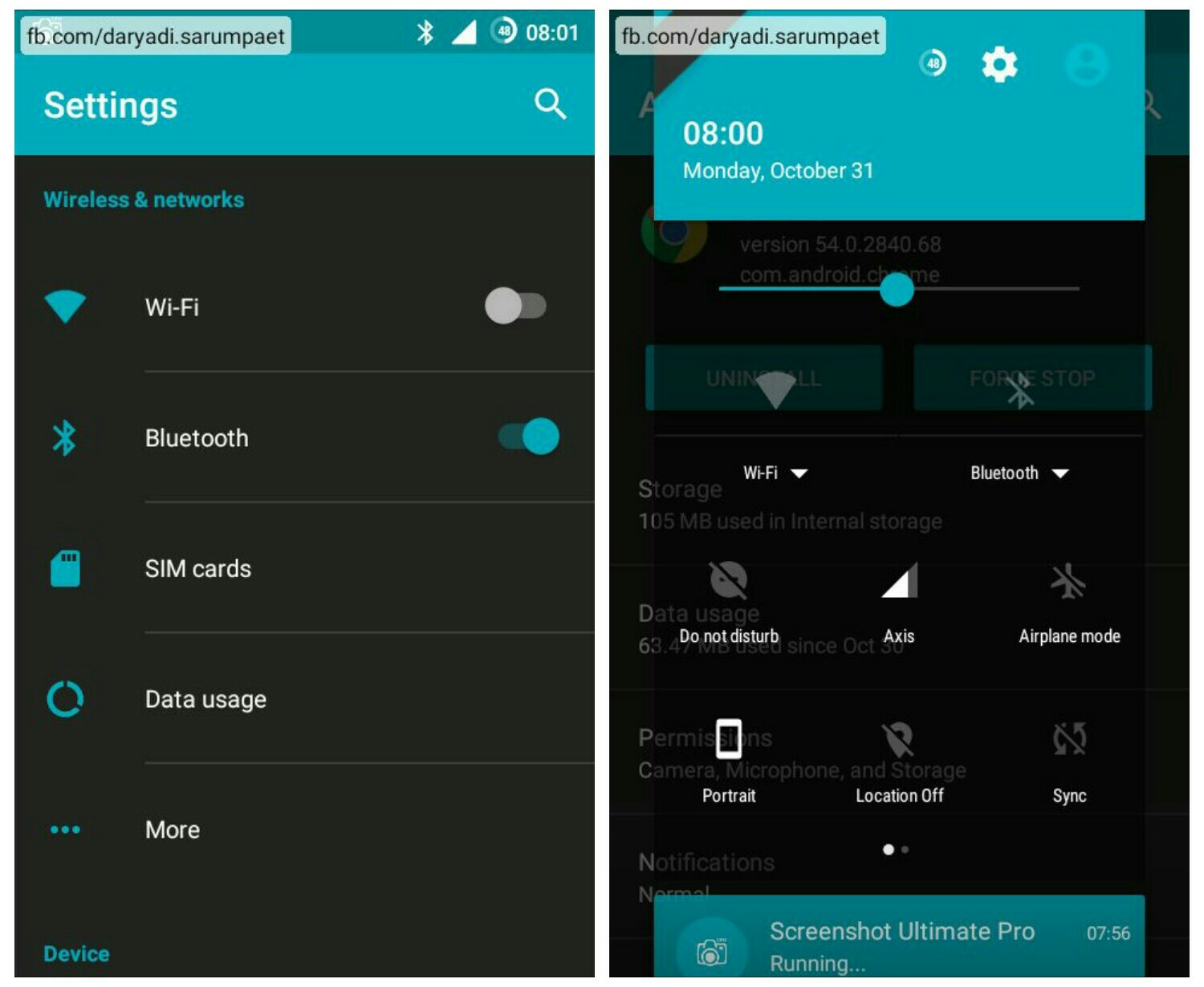
    Now there is a beautifull theme pack called Back to Earth. This theme pack will greenifying your Android smartphone with combination of dark color and cool green - blue spectrum of colors. This theme is also compatible with CyanogenMod 12.x / CM12 ROM.

    back to earth cyanogenmod 13 cm13 theme homescreen

    back to earth cyanogenmod 13 cm13 theme user interface

    Back to Earth theme for CM13 customize included:

    - Status bar
    - Font
    - Wallpaper / Lockscreen wallpaper
    - Controls
    - Boot animation

    -> Download Back to Earth CyanogenMod 13 theme.apk (9.9 MB)
  5. Riggedy Lite by "MODERNDROID"


    Another dark color main theme for CyanogenMod 13 / CM13, called Riggedy Lite. This theme is had it style with simple style and combination of black and navy blue. I think this theme is good, especially for me whose a blue color fans. This theme is also compatible with CM12 ROM.

    riggedy lite cyanogenmod 13 cm13 theme homescreen

    riggedy lite cyanogenmod 13 cm13 theme user interface

    Riggedy Lite theme for CM13 customize included:

    - Status bar
    - Wallpaper / Lockscreen wallpaper
    - Controls
    - Sounds
    - Boot animation

    -> Download Riggedy Lite CyanogenMod 13 theme.apk (6.4 MB)
  6. Xos by "Hassan Al-Hallaq"


    Now there is another nice theme called Xos. Xos is an UI name of Infinix mobile. And so like that, this theme will turn your Android device into the new Infinix Mobile User Interface, believe me :v .

    xos cyanogenmod 13 cm13 theme homescreen

    xos cyanogenmod 13 cm13 theme user interface

    Xos theme for CyanogenMod 13 customize included:

    - Status bar
    - Font
    - Icons
    - Wallpaper / Lockscreen wallpaper
    - Controls
    - Sounds
    - Boot animation

    -> Download Xos CyanogenMod 13 theme.apk (34.2 MB)
  7. Transparent Black by "Gianluca Spadazzi"


    Last but not least, there is the most antimainstream theme pack for your Android device called "Transparent Black". Why I say it's unique, because the background and all of the UI is just transparent like a glass. So everytime we change the wallpapers, the UI background is change also following the wallpaper. This theme is also compatible with CyanogenMod 12 / CM12 ROM.

    transparent black cyanogenmod 13 cm13 theme homescreen

    transparent black cyanogenmod 13 cm13 theme user interface

    Transparent Black theme for CyanogenMod 13 customize included:

    - Status bar
    - Font
    - Icons
    - Wallpaper / Lockscreen wallpaper
    - Controls
    - Sounds

    -> Download Transparent Black CyanogenMod 13 theme.apk (14.7 MB)

* Screenshot and display may differ due to different device model, screen resolution, and screen DPI density setting.

Install its like normal apk. To change your Android device theme running CyanogenMod 13 / CM13 ROM, go to "Settings" -> "Theme", choose your installed theme and apply it as you wish. It is also recommended to restart / reboot your Android device after change the theme to optimize the changes.

And also because CyanogenMod 13 is still a hot ROM, maybe some theme is still have some minor bugs as they are just released / created recently, so an update to the themes is expected in the future.

All the theme is available for free on the Play Store, rate it and give it nice comment if you think it is good.

7 Best Free Themes for CyanogenMod 12 / CM12 ROM on Your Android Phone

Okay now i will share the 7 Best Free Theme Packs for your Android smartphone which CyanogenMod 12.x or CM12 ROM installed. This is just a personal taste, so you might rise your eyebrow and nodding only if you have same taste with me :v . There is a lot theme packs created for CyanogenMod 12 out there and some of them also compatible with CyanogenMod 13 or CM13 ROM. Without any longer nonsense :v , here it is in random order 7 Best Free Themes for CyanogenMod 12 or CM12 ROM, version indophoneboy.blogspot.com...

  1. Galaxy S7 (by "WSDevelopers")


    First of all, now there is nice theme to change your Android smartphone display into a hottest smartphone, Samsung Galaxy S7. You will get icons, wallpaper, ringtones, and boot animation of the expensive Android smartphone Samsung Galaxy S7. Included: Wallpaper, lock wallpaper, icons, font, status bar, sounds, and boot animation.

    galaxy s7 homescreen cm12 theme

    galaxy s7 overall screenshot cm12 theme

    Download Galaxy S7 CM12 theme.apk (17.6 MB)
  2. DEEP DARKNESS (by "Manuel Moellmann")


    Boring with shining light of Android lollipop colours? Then you may give this theme a shot in your Android smartphone device. The combination of dark colour and the glowing icon is so calming for the eyes. You can even tweak the colours with "Arcus" app. Included: Wallpaper, lock wallpaper, icons, font, status bar, and sounds.

    deep darkness homescreen cm12 theme

    deep darkness overall screenshot cm12 theme

    Download DEEP DARKNESS CM12 theme.apk (33.6 MB)
  3. MIOS THEME (by "huunam0241")


    Now come a theme that will bring iOS / Iphone to your Android smartphone. With the the wallpaper, icon, ringtones, boot animation, will surely change your Android into an iOS :v . Included: Wallpaper, lock wallpaper, icons, font, status bar, sounds, and boot animation.

    mios theme homescreen cm12 theme

    mios theme overall screenshot cm12 theme

    Download MIOS THEME CM12 theme.apk (7 MB)
  4. MIUI V7 (by "WSDevelopers")


    Still from WSDevelopers, another replica theme inspired by MIUI ROM. This theme pack will change your Android smartphone into a Xiaomi styles with all the element like wallpaper, icons, ringtones, boot animation, etc. Included: Wallpaper, lock wallpaper, icons, font, status bar, sounds, and boot animation.

    miui v7 homescreen cm12 theme

    miui v7 overall screenshot cm12 theme

    Download MIUI V7 CM12 theme.apk (11.8 MB)
  5. MaterialOS (by "MaterialOS" ?)


    It's so rare having developer name same with the app name :v . But this theme is an open source theme, and maybe because that this theme is looking so nicely because many people have contribute to it's development. There are no other words except fantastic! Included: Wallpaper, lock wallpaper, icons, status bar, and boot animation.

    materialos homescreen cm12 theme

    materialos overall screenshot cm12 theme

    Download MaterialOS CM12 theme.apk (11.9 MB)
  6. Milos UI (by "Zyxxeil")


    "Harmony between light and darkness,... errr i mean between light colour and dark colour" :v . That is the theme slogan, and it does have it. The dark main theme with some right choosen of shining light colour does make this theme unique and great. Included: Wallpaper, lock wallpaper, status bar, font, sounds, and icons.

    milos ui homescreen cm12 theme

    milos ui overall screenshot cm12 theme

    Download Milos UI CM12 theme.apk (10.4 MB)
  7. Stay Stock (by "Sanjay Varun")


    Now for the last one, is Stay Stock with it's combination of dark and green (or teal) with keeping the original of stock lollipop styles. This theme is good for you who like stock colors but want different side. This theme also re-theming many apps on it works. Included: Wallpaper, lock wallpaper, font, status bar, and sounds.

    stay stock homescreen cm12 theme

    stay stock overall screenshot cm12 theme

    Download Stay Stock CM12 theme.apk (8.5 MB)

Install its like normal apk.

Please be aware that some of the themes are still on development progress too, so maybe there are little bugs (but not from what i share, i have try all the theme packs in an Unofficial CM12.1 ROM and all good without problem). Because the CM12 / CM13 is still a hot ROM's till now, so maybe there will be new themes created by new developers in the future.

To change your Android smartphone theme which CyanogenMod 12.x ROM installed, go to "Settings" -> "Themes" and apply the theme pack as you like.

* Screenshot and display may differ due to different phone model, screen resolution, and screen DPI density setting.


The apps are available at Playstore, rate it and give it nice comment if you find it useful.

CyanogenMod 14.1 [BETA-2] - Custom ROM Samsung Galaxy V SM-G313HZ

Hey hey hey, CyanogenMod 14.1 (CM14.1) ROM is arrived on Samsung Galaxy V SM-G313HZ! As we know, the latest stable Android version now is Android 7.1 Nougat, and this ROM use it.

Again, CyanogenMod 14.1 or CM14.1 Custom ROM for Samsung Galaxy V SM-G313HZ is still developed by the same developer who brought us the previous CyanogenMod ROM series for Samsung Galaxy V (check more on ROM info below). Big applause and unlimited credits to them.

Anyway, As my experience when using it CyanogenMod 14.1 ROM is something that will not give us high performance or fast as lightning or super smooth on our Samsung Galaxy V SM-G313HZ single core phone, with 512 MB RAM. If you want to increase the performance, you have to use your brain like disable the animation, don't install the Gapps, etc.

But this ROM provide our little Android phone the latest Android 7.1 Nougat, so we lucky to get experience the Android 7.1 Nougat Operating System on this single core Android phone. Believe me, there are many Android smartphone with better specs out there that not so lucky like Samsung Galaxy V yet.

Requirements:

CyanogenMod 14.1 homescreen Samsung Galaxy V

CyanogenMod 14.1 overview screenshots Samsung Galaxy V

ROM title CyanogenMod 14.1 / CM14.1
contributors ngoquang2708@XDA
source / thread XDA Forum
ROM OS version Android 7.1 Nougat
target device SM-G313HZ
download link -> ROM [BETA-2] zip (283.3 MB)
download: VIA XDA | VIA MEDIAFIRE

-> PICO GAPPS ARM 7.1 2016/12/17.zip (114.5 MB)

Steps how to install CyanogenMod 14.1 ROM for Samsung Galaxy V SM-G313HZ


  1. Power off your Android smartphone, and go to recovery mode.
  2. Do a full wipe. Go to "Wipe" -> "Advance wipe". Wipe (tick) the "System", "Dalvik / art", "Cache", "Data", and "Internal storage", swipe to confirm wipe.
  3. Installing the ROM. Go to "Install", find where you save the 14.1 ROM zip file, install the zip file of CM14.1 / CyanogenMod 14.1 ROM and wait untill done.
  4. After the ROM is finish installed, optionally install Google Apps. Pico GAPPS is recommended as it is very simple so it is suitable for our little specs Samsung Galaxy V device. You can find it at http://opengapps.org.

    Or IF AND ONLY IF you confuse, you can download it from the link i gave at the download link section above. After all already installed, do "wipe dalvik cache".
  5. Finally, reboot your Android smartphone. Caution! This first boot process time can take longer than amazon river. It will need 30 minutes or more for the first boot, so be patient.

Knowing bugs:
  • CM file manager cannot access external SDcard. Solution: You can access it from "Download" app, or install another file manager.
  • Find anothers by yourself :D

HiTech v 2 - Custom ROM Samsung Galaxy V SM-G313HZ

HiTech ROM v. 2 is a custom ROM for device Samsung Galaxy V SM-G313HZ, inspired from one of most popular ROM in the world Cyanogenmod 11.

Requirements:
- Rooted
- Custom recovery installed
- Brain


Title HiTech ROM v. 2
Author Hyekal HiTech
Features * Rooted
* Deodexed
* Init.d support
* Support swap
* Cyanogenmod 12 Boot Animation
* Cyanogenmod 11 Apps
* Gapps integrated
* Dinamic statusbar
* Power Toggle
* Weather on lockscreen
* Theme Settings to look like CM11 (Wannabe)
* Card Stack Recent
* Clock Options
* MiPop
* Multiwindow Sidebar
* Network Traffic Meter (Thinking Bridge&CharmeleonOS)
* Rebooter
* Listview Animation
* Font Chooser
* Low Battery Warning Options
* Dsp Manager
* Build.prop mods
* System application like stock Android
* And many more.....
Source / thread GalaxyVarchive Blog
Size +- 276 Mb
Download link - HiTech ROM v. 2.zip
- HiTech Tweaks.zip

Installation HiTech ROM v. 2 Samsung Galaxy V SM-G313HZ (example for CWM)


!!! Highly recommended installed from STOCK ROM !!!

1. Put device into recovery mode

2. Go to "Advance", do a "Wipe cache" and "Wipe dalvik cache". Go back.

3. Choose "Install zip" -> "Choose zip from sdcard", locate and choose the HiTech ROM v. 2 zip file. Wait untill the ROM installation process done.

4. Choose Install zip agan, and this time install the zip file of HiTech Tweaks. Go back.

5. Choose "Advance" -> "Wipe dalvik cache", and finally reboot your device and wait patiently for the apps optimizing.

Well, this ROM quite stable, it's just have a problem on the Trebuchet launcher (sometimes force close), and the RAM usage is too big (maybe it's because the increase of zram size to 1GB so the RAM swap process become slower). For the above bugs, we can fix it by ourself it is up to the user. Ya, because this ROM last release titled "v 2" so I hope there will be next version that more stable and of course cooler xp .